
Try Sentinel Connect for Free!
Complete the following steps to start your 14-day Sentinel Connect free trial:
Follow these steps to sign up for a Sentinel Connect free trial account and access Sentinel Connect:
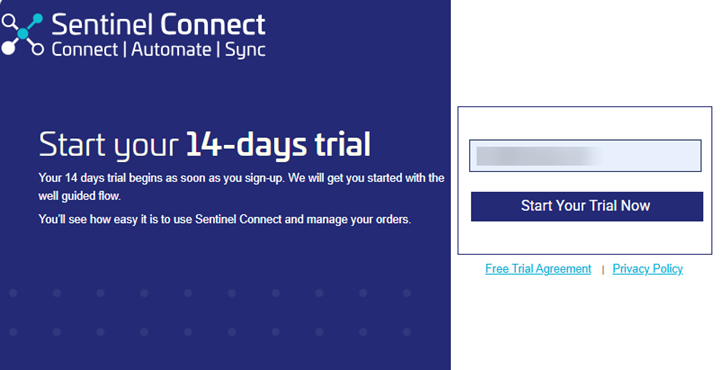
1.Navigate to https://testconnect.sentinelcloud.com/free-trial-signup.
2.Enter your Work Email Address and click Start Your Trial Now.
Sentinel Connect sends login details to the email address you provided.
3.Open Sentinel Connect using the link provided in the activation email.
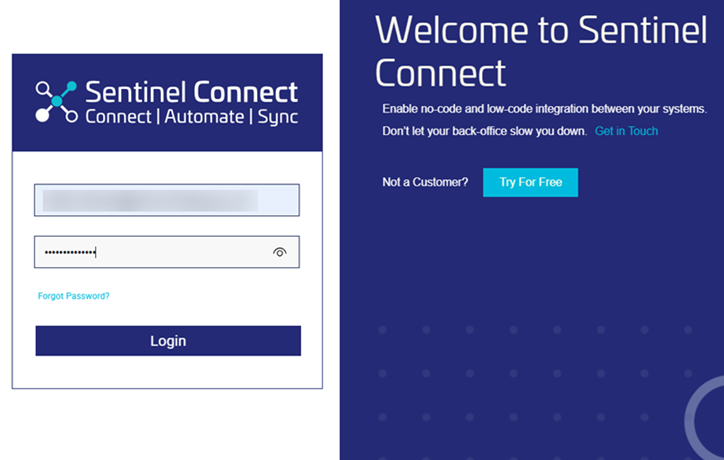
4.Sign in using the username and the temporary password included in the email.
Sign in prompts you to change the temporary password on first use.
5.Enter the new password twice and click Change Password to secure your account.
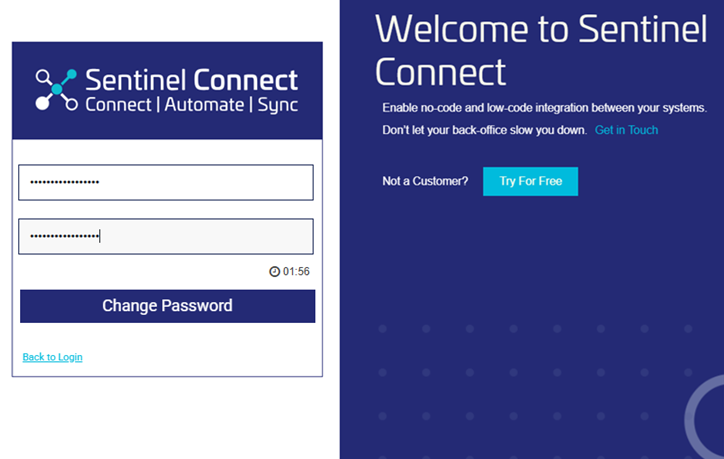
You have completed the Sentinel Connect free trial setup. Now you can begin entitlement automation in the simulated environment.
After your Sentinel Connect trial account is set up, follow these steps to explore entitlement automation in a simulated environment.
 View a brief summary of each page in Sentinel Connect
1.Set EMS.
Select one of the following options:
•Test EMS: Use preconfigured sample data.
•My EMS: Use your own non-production Sentinel EMS.
2.If you selected My EMS in the previous step, complete the following steps:
a.Enter your Sentinel EMS credentials and the URL.
b.Click Verify. If the connection fails, re-enter the correct Sentinel EMS credentials or URL, and then click Verify.
3. Create New Subscription.
Click Create New Subscription to create a subscription order.
A new entitlement is created in Sentinel EMS and the system sends the entitlement details to your registered email address.
Click Show source-code to view Sentinel Connect API calls and responses from Sentinel EMS.
4.Renew Subscription – 1 year extension.
Click Renew Subscription – 1 year extension to renew the subscription and extend it for 1 year until the next billing cycle.
Click Show source-code to view the Sentinel Connect API calls and responses from Sentinel EMS.
5.Cancel Subscription.
Click Cancel Subscription to change the entitlement status to Closed.
An automated email containing the updated entitlement details is sent to the email address that you provided earlier.
Check the Dashboard page to analyze entitlement data. Check the Transactions page to view transaction status.
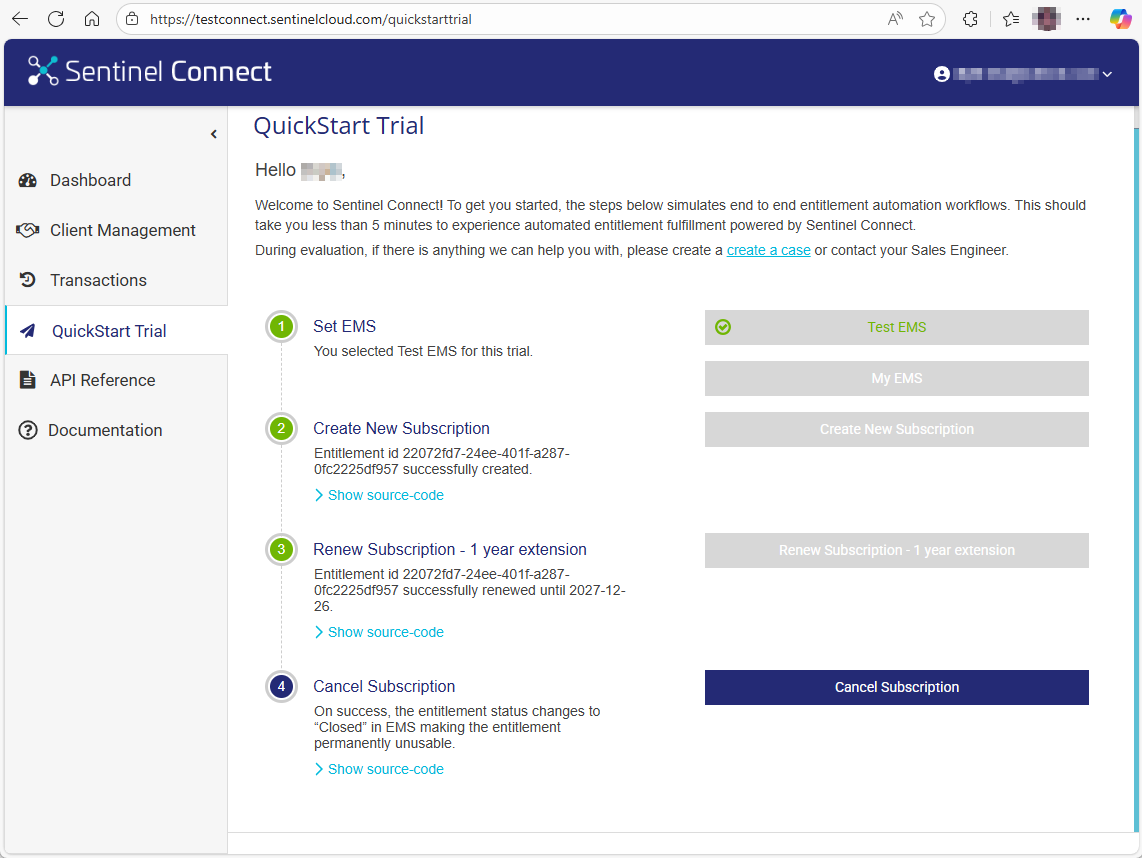
You have successfully completed the Sentinel Connect free trial setup and workflow.
If you need assistance, open a support case with your Thales sales representative for expert guidance.